
E-commerce product assets
Make your product the main character.
Product retouching, hero images, detail pages, selling-point images and scene showcases.
Start AI image generationOnline AI image generation
Use multiple AI models in one workbench for e-commerce product images, advertising posters, character illustrations, content covers and spatial concepts. Experiment within your budget and let an AI assistant call the tools through MCP.
Creative directions
Creative visual preview · These scenarios describe creative directions; the exact result depends on the inputs and model.
E-commerce product assets
Product retouching, hero images, detail pages, selling-point images and scene showcases.
Start AI image generation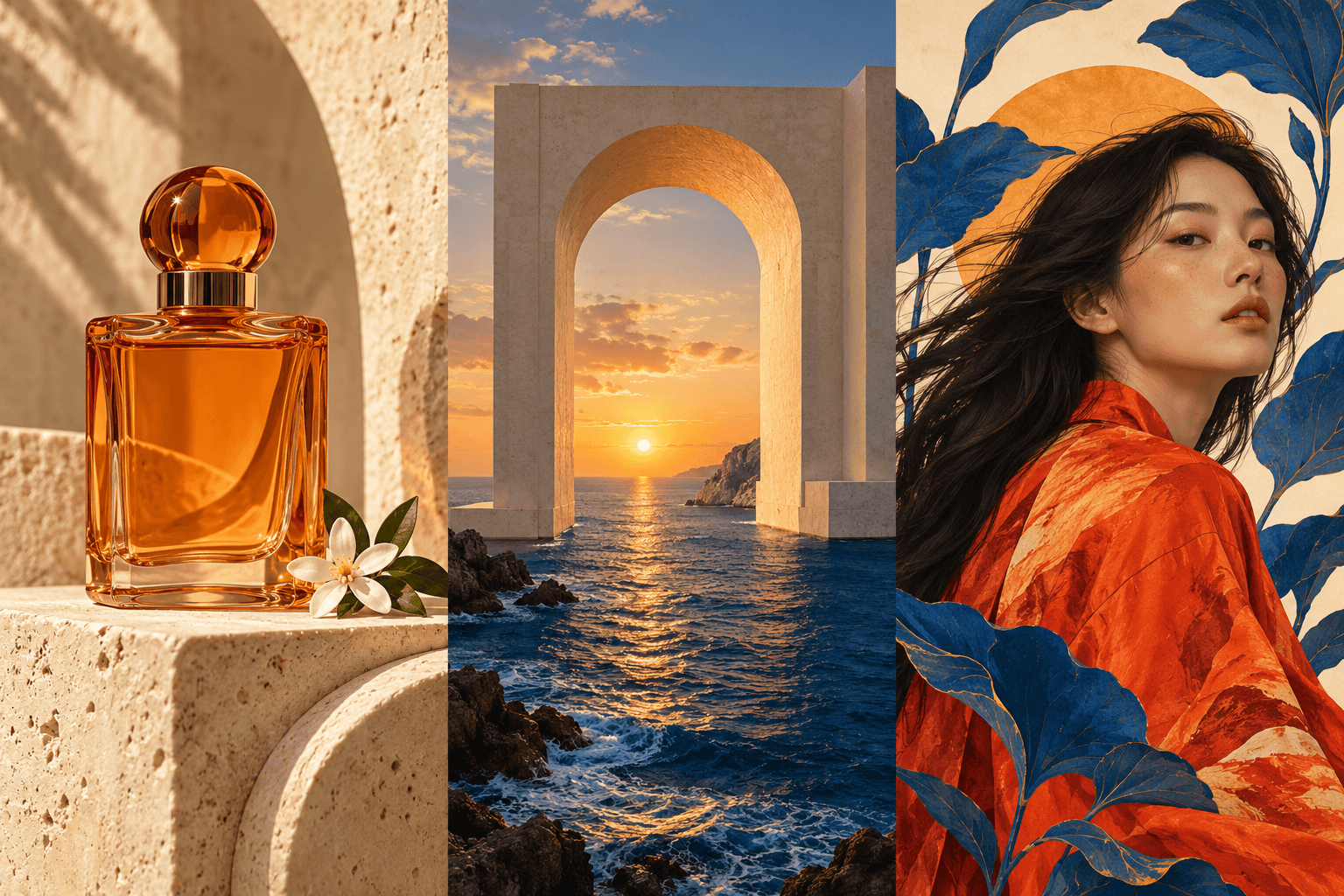
Space and architectural concepts
Interior styles, architectural exteriors, exhibitions and scene mood references.
Start AI image generationPeople and illustration
Avatars, character concepts, clothing, illustrations and storyboards.
Start AI image generation03 / Choose among multiple models
Model reference price
From 8 points/request
This is a reference price for selected routes; use the quote shown before submission.
Start AI image generationBase exchange rate
Base exchange rate: CNY 1 = 100 points; 1 point = CNY 0.01.
CNY reference prices use this base ratio and exclude promotional or bonus points; the recharge amount, credited points and validity period are determined by the recharge page and account records.
¥0.08/request and up
From 8 points/request
¥0.08/request and up
From 8 points/request
¥0.08/request and up
From 8 points/request
¥0.17/request and up
From 17 points/request
¥0.16/request and up
From 16 points/request
¥0.16/request and up
From 16 points/request
¥0.18/request and up
From 18 points/request
¥0.28/operation and up
From 28 points/operation
Prices vary by route, settings and quantity. A per-request or per-operation price is not a per-image price; use the complete quote shown before submission.
04 / Creative directions
Product retouching, hero images, detail pages, selling-point images and scene showcases.
Posters, packaging concepts, campaign promotion and brand visual concepts.
Article illustrations, short-video covers, course assets and social content.
Avatars, character concepts, clothing, illustrations and storyboards.
Interior styles, architectural exteriors, exhibitions and scene mood references.
Game scenes, concept art, thematic visuals and inspiration sketches.
These scenarios describe creative directions; the exact result depends on the inputs and model.
05 / Creative workflow
Workspace interface illustration
Enter key details such as the subject, scene, style, lighting or composition.
Choose an available model, size and image settings for your creative direction.
Review the result and refine the prompt until the scene approaches your idea.
06 / MCP CONNECTION
Use MCP to let an AI assistant use AIyting directly
Connect an MCP-capable AI assistant such as Codex, Claude Code, OpenCode or Z Code to query models, estimate cost, create images or videos and retrieve task results as part of your workflow.
Connect my AI assistant AIyting MCPQuery · quote · generate
AI image generation creates new images from text descriptions, reference images or creative settings. Describe the subject, style, composition and scene in one sentence to make a first visual draft.
Generate images from text or upload product, portrait or composition references and continue with a model that supports reference images. Image model families include GPT Image, Gemini, Seedream and Midjourney; available versions, reference limits, sizes and settings are shown in the workbench.
Yes. Open the AI image workbench, describe the scene you want, then add a style, aspect ratio, details or reference image as needed. After generation, refine the prompt and create another version.
Billed by points. Base exchange rate: CNY 1 = 100 points; 1 point = CNY 0.01.This page shows model points and CNY reference prices; for example, 8 points equals 0.08 CNY.Prices vary by route, settings and quantity. A per-request or per-operation price is not a per-image price; the final cost is the complete quote shown before submission.
Yes. Create an API key from the site's Codex image entry and connect Codex, Claude Code, OpenCode, Z Code or another MCP-capable assistant. It can query models, estimate cost, submit image or video tasks and retrieve results using account points.
Use product photos as references, describe the background, lighting and finish you want to improve, then create detail-page images around the product's real selling points. Set each panel's content and visual style first, then check product structure, text and specifications before final layout.
Finalize the product scene in the image workbench, upload it to a video model that supports image-to-video, and describe product motion, environment changes or camera movement. Image and video are separate submissions and charges; confirm video duration, settings and price in the video workbench.
Bring a product image or idea, then choose a model and budget. After settling the image, continue in the video workbench to make a moving shot.